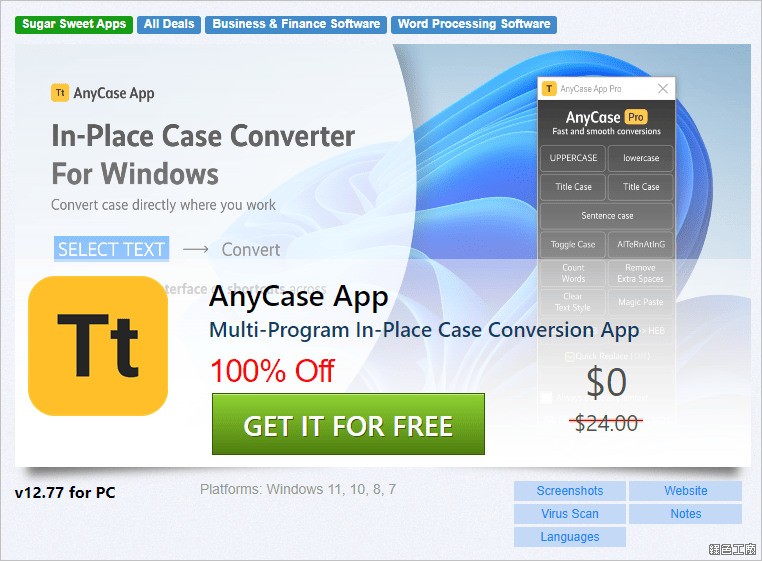
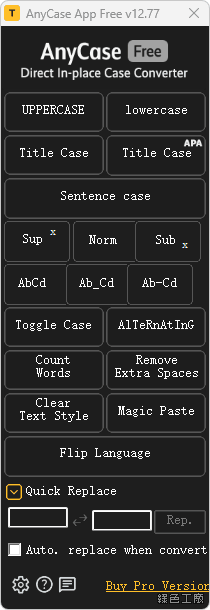
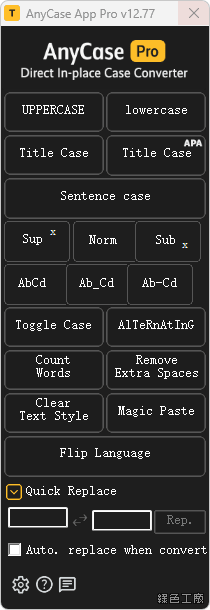
Multi-Program In-place Case Conversions AnyCase multi-program direct in-place case conversions, AnyCase App converts directly in place in hundreds of programs.
Convert Using Shortcuts Anywhere Get into almost any Windows program and use AnyCase’s global shortcuts to convert case directly where you work.
Quick Replace Quickly replace any character or word when you convert, For example replace space with hyphen “My file example.pdf” to “My-File-Example.pdf”.
Superscript and Subscript change text to superscript or subscript directly in place.
Paste In Blocked Fields Paste in websites/fields/programs that prevent you from using Ctrl+V .
Customize Global Shortcuts Define your own custom shortcuts for case conversions.
Count The Words Count The Words/Characters In The Selected Text.
Multiple Ways To Convert The Text Case AnyCase comes with 3 different ways to convert text case. The main program window, a context menu, and global shortcuts that work and hundreds of applications.
Custom Capitalization Of Specific Words Capitalize specific words exactly how you need them. Your full name, a business name, a product name etc. Include words that need to be capitalized exactly the same every time.
Switch Language After Typing Change the text language after you already started typing, from gibberish to the intended language.
Remove Doubles Spaces Automatically Remove Doubles Spaces In The Converted Text.