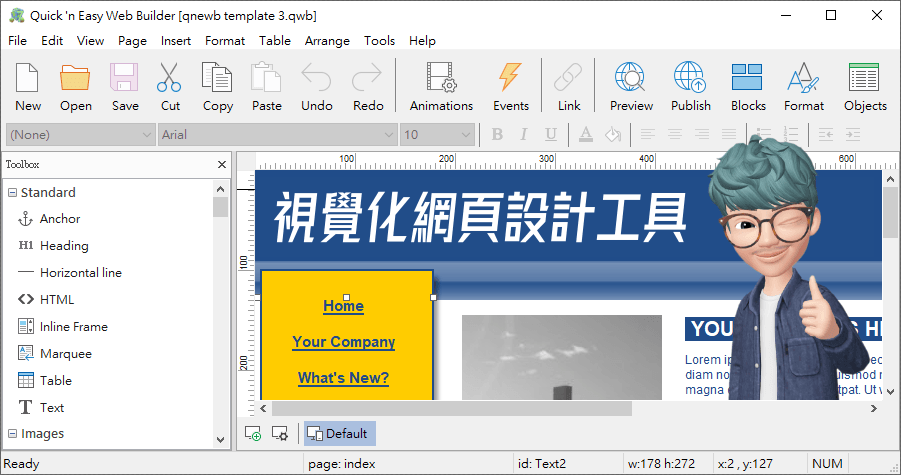
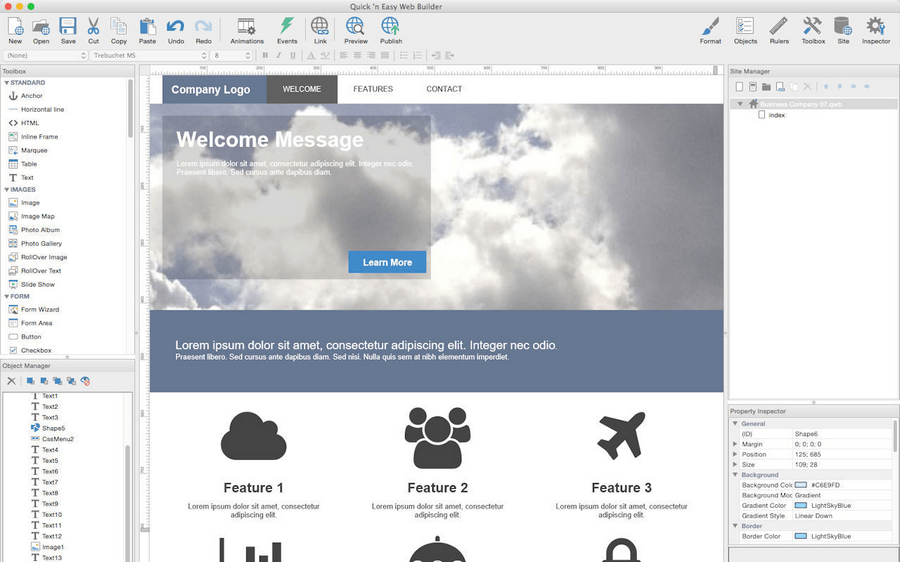
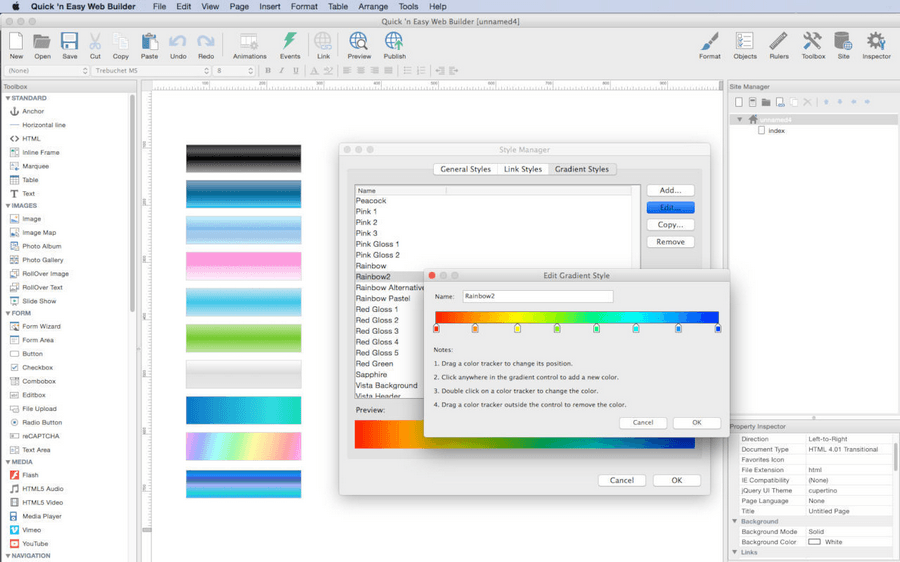
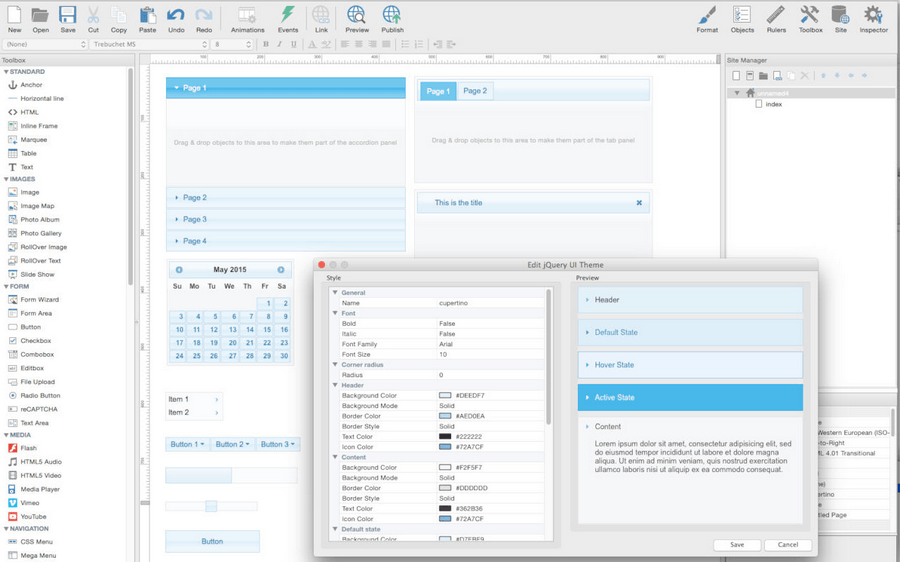
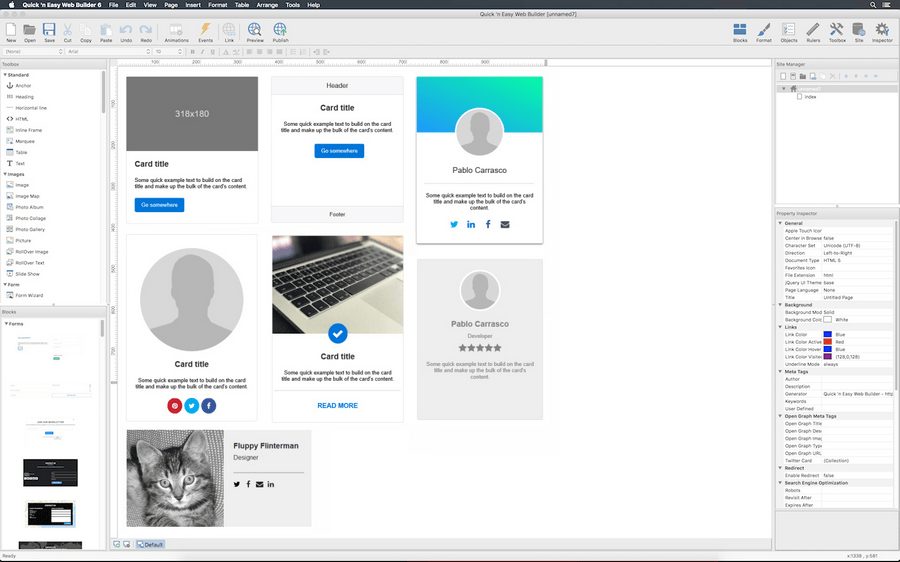
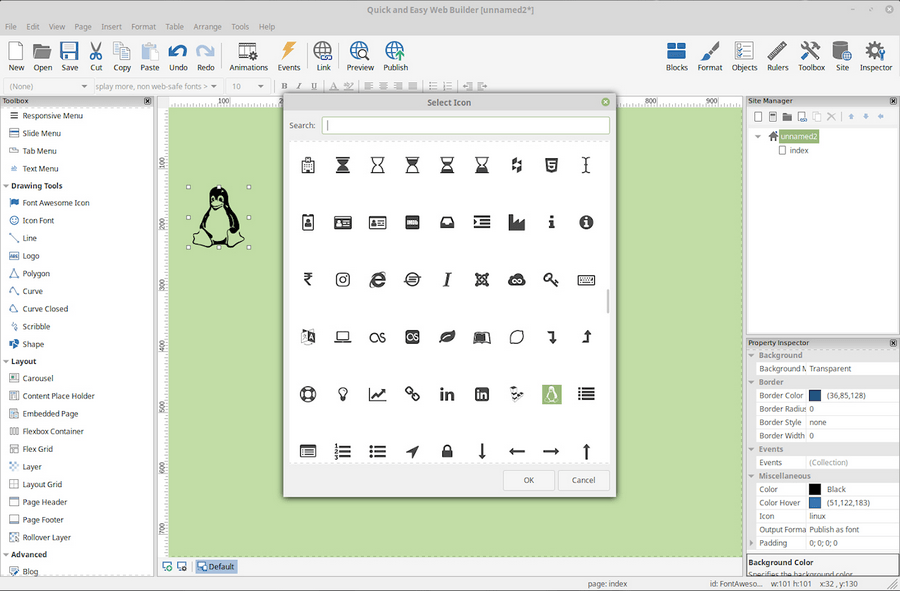
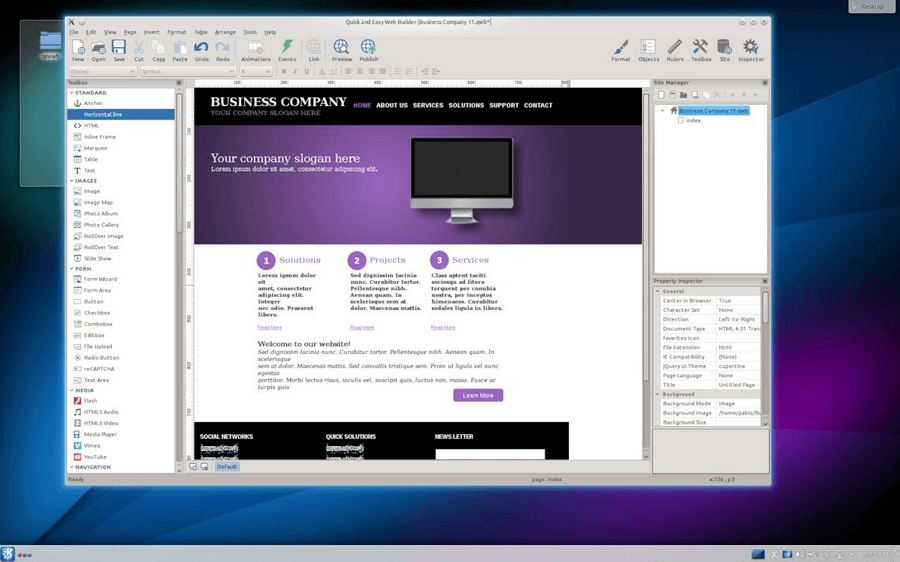
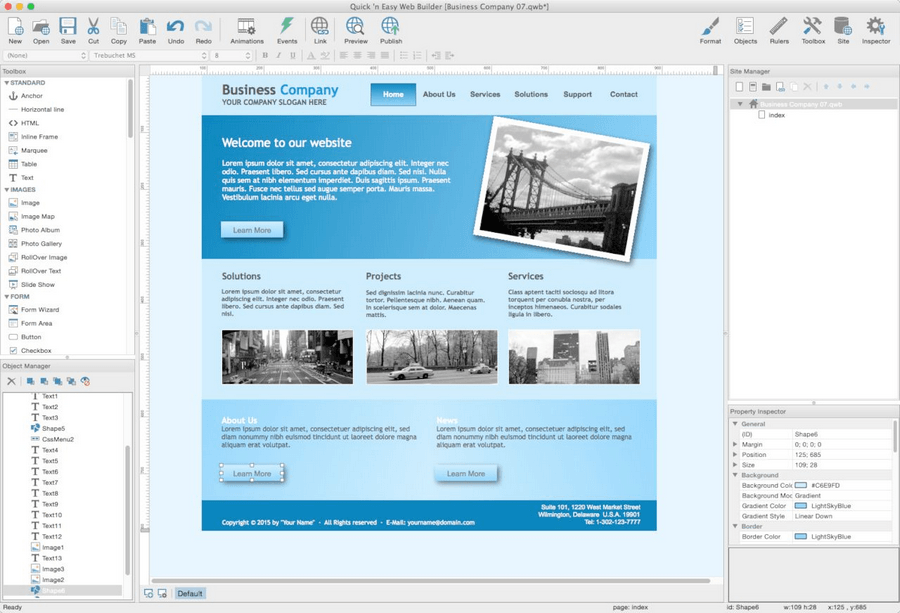
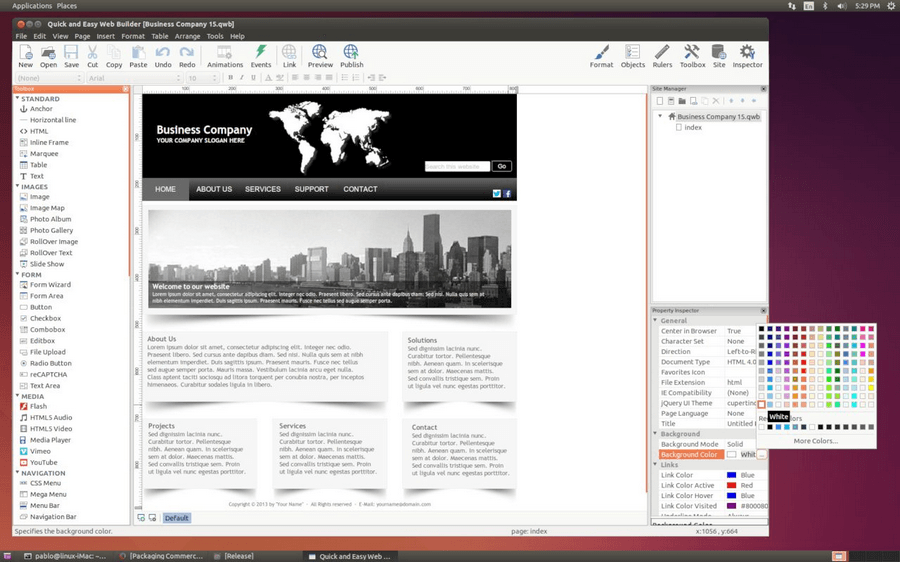
設計網頁其實沒有很難,只要有適合的工具,或許就可以馬上學會,Quickn Easy Web Builder 就是一款方便的網頁設計工具,視覺化的設計方式和操作文書軟體差不多,我只能說操作是可以很簡單上手的,整體的美觀就得靠每個人來努力了,不過若是沒有設計概念也不用太灰心,因為也是有內建一些模板可以快速套用,若是老闆今天交代了一個你不熟悉的網頁設計工作,或許這款工具就可以幫上忙,或是有心想要學網頁設計的,也可以從視覺化的設計工具開始唷!活動的檔案已經替大家打包好了,可以直接到文末下載。
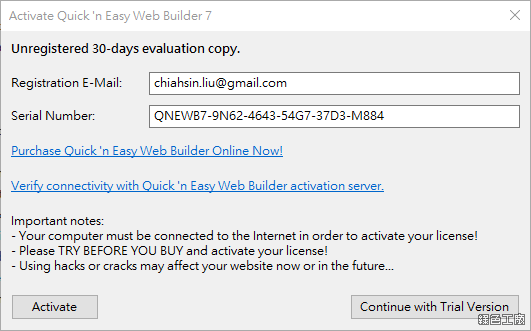
△ 開啟軟體後會跳出啟動視窗,輸入自己的信箱與活動序號,點選 Activate 來啟動。
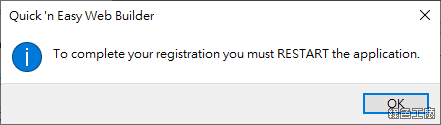
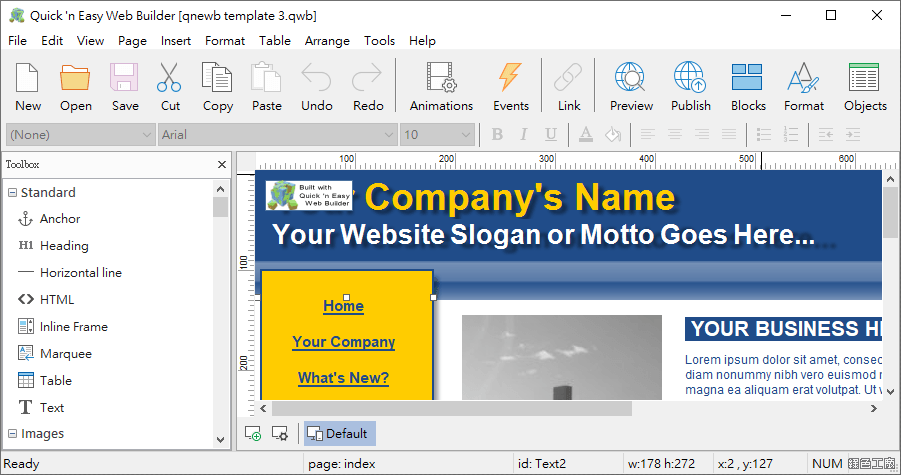
△ 啟動成功就可以看到以上視窗,重新啟動軟體就可以開始使用囉!
軟體特色有:
Outputs HTML5, CSS3, XHTML, PHP.
Use Blocks to quickly add pre-defined elements to the page.
Site Management. Easily add, edit, clone and structure your web pages from a single file.
Easily create forms using the built-in Form Wizard or manually with a large selection of form tools.
Built-in PHP form processor (send email, upload file to a folder on the server).
Advanced graphics tools like shapes, rotation, shadows, reflection and more than 50 other image effects.
Publish to local drive or a FTP/SecureFTP server using the build-in FTP manager.
Built-in Slide Shows, Photo Galleries, Rollover images, Logos etc.