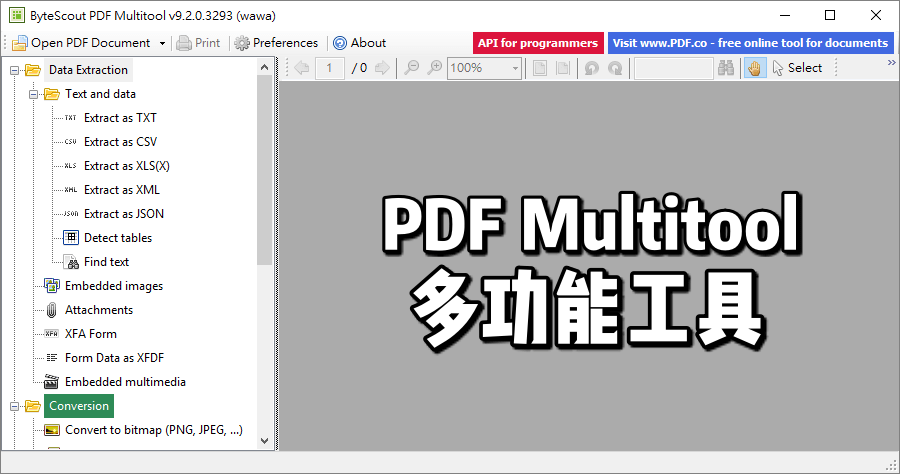
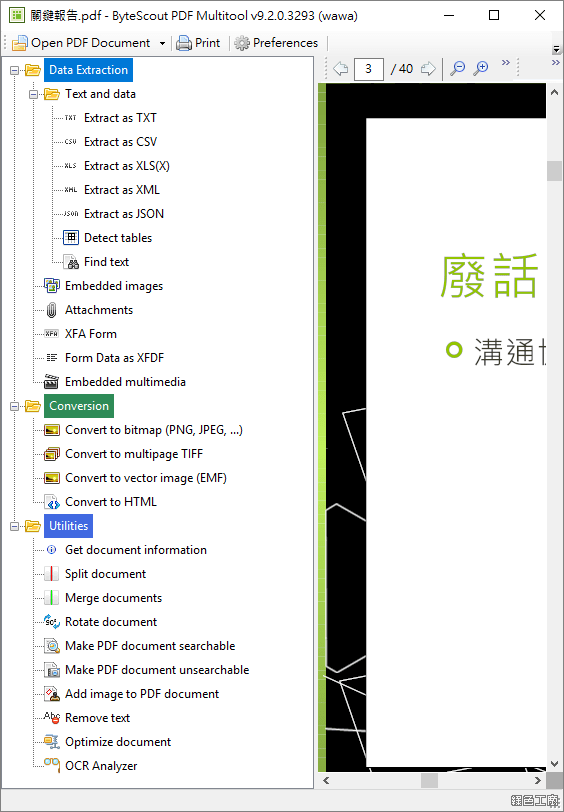
PDF 的使用變多,PDF 的工具需求也越多,這次限時免費的是 PDF Multitool 實用的 PDF 工具,這款工具能夠讓你換 PDF 成為 CSV、XML、XLS、XLSX 與 HTML 格式,具備英文、德文、西班牙文語法文等等的 OCR 文字辨識功能,以及能夠轉換 PDF 檔案中的圖片成為能夠搜尋的內容,還有常見的 PDF 分割合併功能,也能很方便的從 PDF 當中抽取件檔案,包含常被嵌入的圖片與影片等等,還有轉換 PDF 成為圖片的功能,常用的 PDF 功能通通都包辦了,有需求的朋友們記得收下使用!
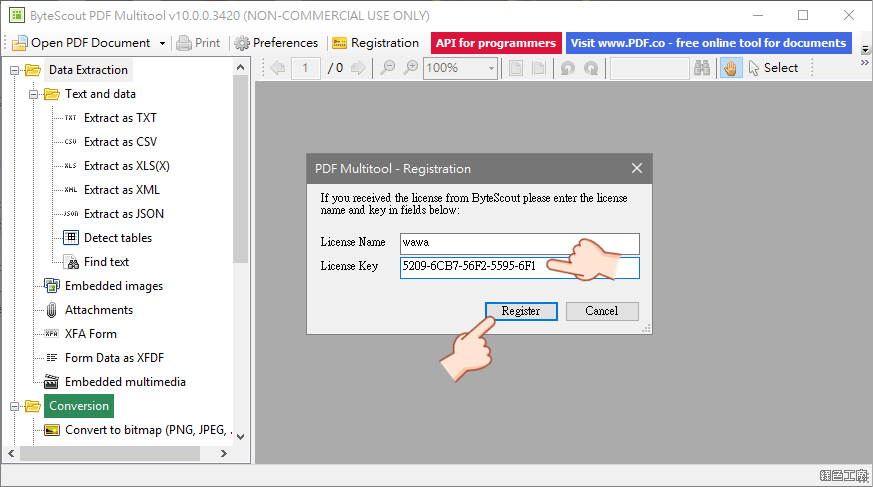
△ 從活動頁面點選 GET IT FOR FREE,之後點選 0 元的 PDF Multitool Business License,接著進入結帳程序,確認價格為 0 元之後 COMPLETE CHECKOUT 完成結帳,之後去信箱收信,就可以取得這次活動的軟體下載與活動序號,免安裝版可以直接到文末下載。
Bytescout PDF Multitool contains functions to:
Convert PDF to CSV, PDF to XML, PDF to XLS, PDF To XLSX, PDF To HTML
Read text from scanned documents (English, German, Spanish, French and more are supported)
Convert PDF with scanned images into text searchable PDF documents
Automatically find tables inside PDF
Search inside PDF with regular expressions
Split, Merge, Extract pages from PDF
Extract file attachments from PDF
Extract data from XFA and XFDF PDF forms
Convert PDF to TIFF (including multipage TIF), PDF to PNG, PDF to BMP
Convert PDF to HTML with images and graphics
Extracts Text, XML, CSV, Attachments, Video, Audio from PDF files